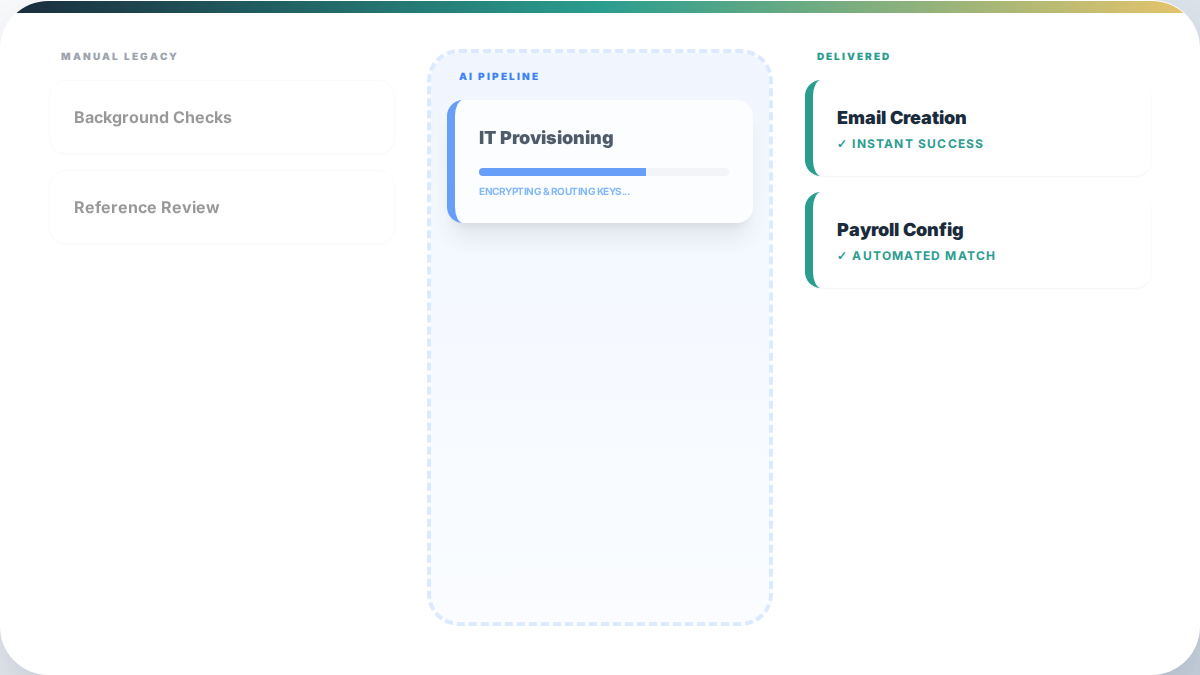
The first two weeks of a new employee's tenure are often the most administratively intense and least productive. Automation helps by handling the routine parts of onboarding - account setup, document routing, FAQ responses - so that managers can focus on the things that actually require their attention: context, relationships, and judgment calls that a system can't make.
Where Onboarding Breaks Down
Most onboarding processes break down in predictable places. The same patterns that cause problems here - manual coordination, knowledge trapped in people's heads, no feedback loop - show up across internal operations broadly. Onboarding is just one place to start.
- New hires wait days for software access that should have been provisioned before day one
- HR teams answer the same questions repeatedly because documentation is scattered or hard to find
- Managers get pulled into administrative tasks they shouldn't have to handle personally
- Training materials are delivered all at once and are too much to absorb
- There's no feedback loop to identify where new hires are struggling
Each of these is automatable to some degree. The question is which ones to address first and how to do it without creating a system that feels impersonal.
What Automation Actually Helps With
Administrative workflow orchestration
The most straightforward wins in onboarding automation are administrative. When a new hire's start date is confirmed in your HR system, a set of workflows can run automatically:
- Provisioning software accounts (email, Slack, project management tools)
- Sending documents for electronic signature
- Scheduling the first day's introductory meetings
- Notifying IT about hardware needs
- Adding the new hire to relevant Slack channels or email lists
These tasks currently require someone to remember them, coordinate between departments, and follow up if something slips. Automating them means they happen consistently, regardless of who's managing the hire.
FAQ handling and knowledge access
New employees ask the same questions. Where do I find the benefits enrollment form? What's the process for submitting expenses? Who do I talk to about payroll issues? These questions go to HR or office managers repeatedly, consuming time that could be spent elsewhere.
A knowledge base - even a well-organized internal wiki - reduces this significantly. A chat-based tool that can answer these questions from a curated knowledge base reduces it further. HatcherSoft recommends starting with a simple searchable document repository before investing in more sophisticated tools. Most of the value comes from having the information organized and accessible, not from the interface used to access it.
Staged training delivery
Delivering all training materials on day one is a common mistake. The new hire is overwhelmed, retains little, and the training doesn't connect to the actual work they're doing yet.
A better approach is staged delivery - sending training materials on a schedule tied to the employee's first activities. Someone who won't use the expense reporting system for three weeks doesn't need that training on day one. Automating this scheduling means the right materials arrive at the right time without requiring a manager to track and send them manually.
What Automation Can't Replace
It's worth being direct about this: automation handles process, not culture. The things that actually determine whether a new hire succeeds in the first 90 days - understanding the business's real priorities, building relationships with colleagues, getting honest feedback on their work - can't be systematized.
The value of automating the administrative parts of onboarding is that it frees up the time and attention needed for those human elements. A manager who isn't chasing down paperwork and answering the same questions for the fifth time has more capacity to actually mentor a new hire. The cost of doing this manually is easy to underestimate until you add up the hours across every hire.
A Practical Starting Point
- Audit your current process: Map out every task that happens between offer acceptance and the end of week two. Note who's responsible for each task and how often it's delayed or skipped.
- Identify the high-friction tasks: Look for the tasks that require the most coordination, cause the most delays, or consume the most HR or manager time. These are your first automation candidates.
- Build a simple automation for one task: Start with something concrete - like automatically provisioning software accounts when a start date is entered in your HR system. Get that working reliably before expanding.
- Gather feedback from new hires: Ask them specifically where they had to wait, what was confusing, and what information they wished they'd had earlier. This feedback shapes the next round of improvements.
Measuring the Impact
The most useful metrics for onboarding automation are time-to-productivity (how long before a new hire is doing meaningful work independently), HR admin hours per new hire (how much time your HR team spends on each onboarding), and early retention (whether new hires are still with the company after 90 days).
These take time to measure properly, but they're more meaningful than the number of tasks automated. A process that saves 10 hours of admin per hire and reduces early turnover by even a small percentage has a real dollar value that's easy to justify. If the results here prompt you to look at change management and team adoption more broadly, that's a natural next step. Our operations automation service is designed to help you build that out across your whole business.